Virtual Smile
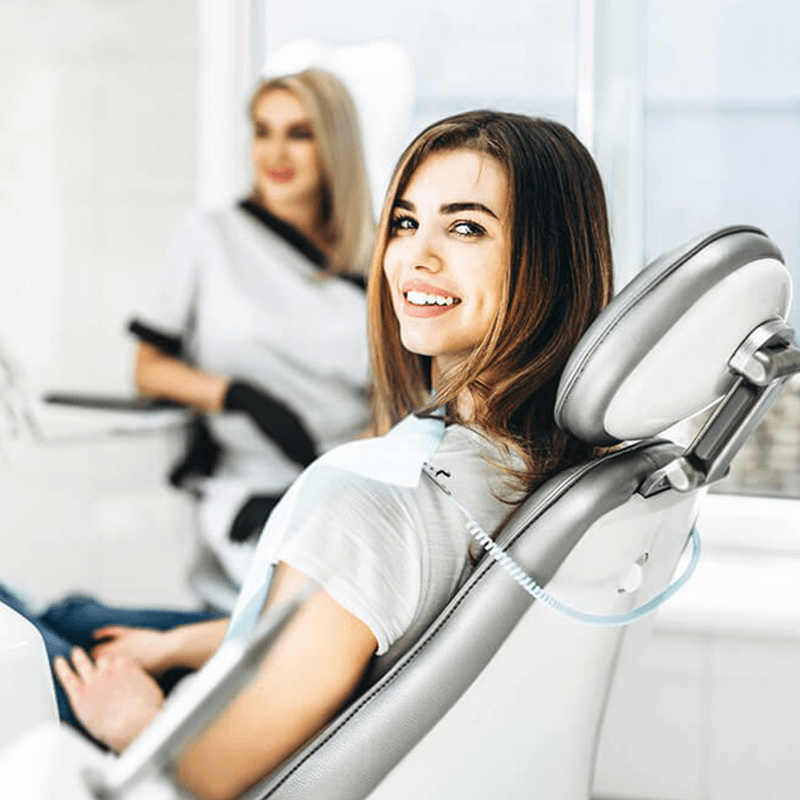
For your convenience, we offer virtual exams! We value your time and strive to make your orthodontic consultation as easy as ever!
Easy. Accessible. Convenient.
How it works:
Follow the guide below to take your photos. (Don’t worry, they don’t have to be perfect!) Complete the section below and upload your photos. Expect a call/text back from Dr. Wong & your treatment coordinator within 1 business day with your treatment plan & quote.
What you need:
Camera or Phone
2 Spoons
Friend/Family Member
Text us to start your virtual exam!
(352) 242-1818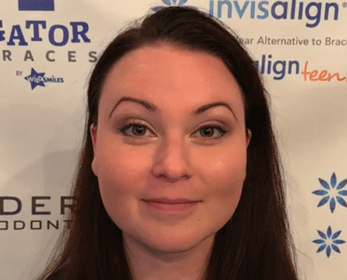
Front View
Look straight ahead into camera. No smile.
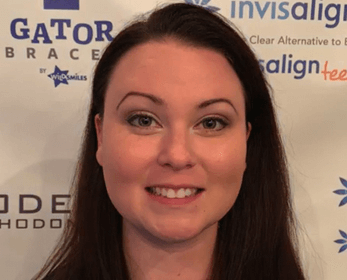
Front Smile
Look straight ahead into camera & smile!
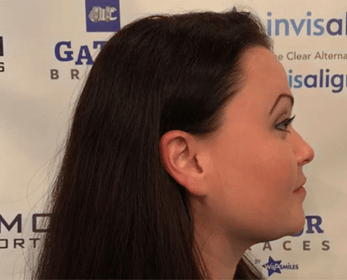
Profile
Turn 90 Degrees and look straight ahead. No smile.
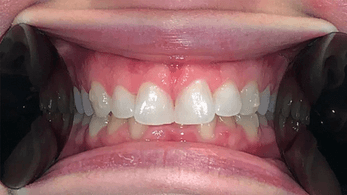
Front Teeth
Hold one spoon in each cheek and pull them out as far as you can. Tip: Try to keep hands out of photo and bite down on your back teeth.
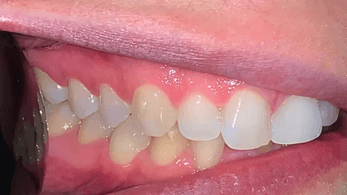
Right Angle
Take one spoon and put it behind right cheek, pull cheek all the way out. Tip: Angle the camera right next to teeth.
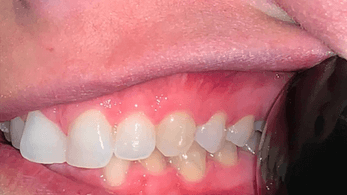
Left Angle
Take one spoon and put it behind left cheek, pull cheek all the way out. Tip: Angle the camera right next to teeth.
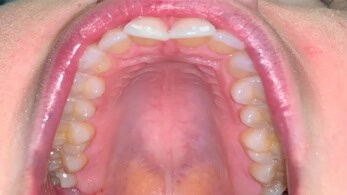
Upper View
Open wide and angle camera below to get a full view of entire arch.
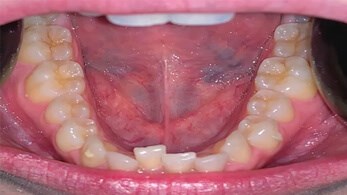
Lower View
Simultaneously hold spoons in each cheek. Pull down and open as wide as possible. Tip: Camera angle will be straight at teeth.
**Your privacy is our top priority. We have a fully HIPPA compliant website & text capability. Your information & photos are completely kept private. Only your treatment coordinator and Dr. Alan Wong will view them.

